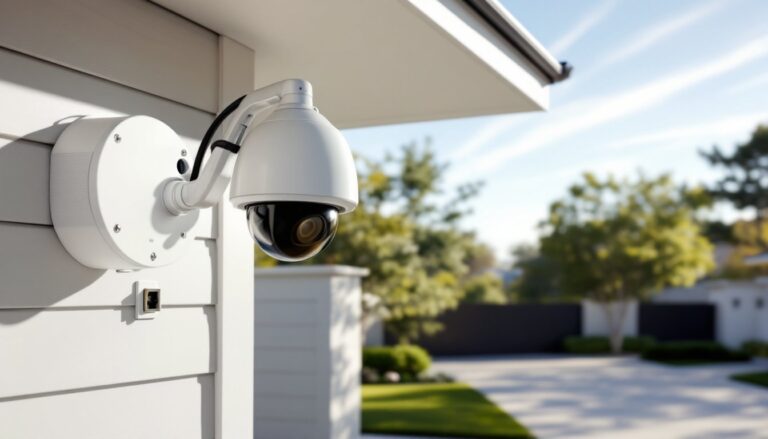
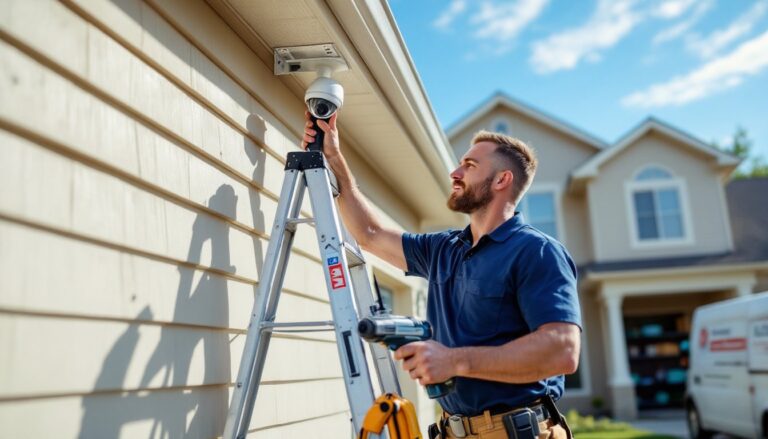
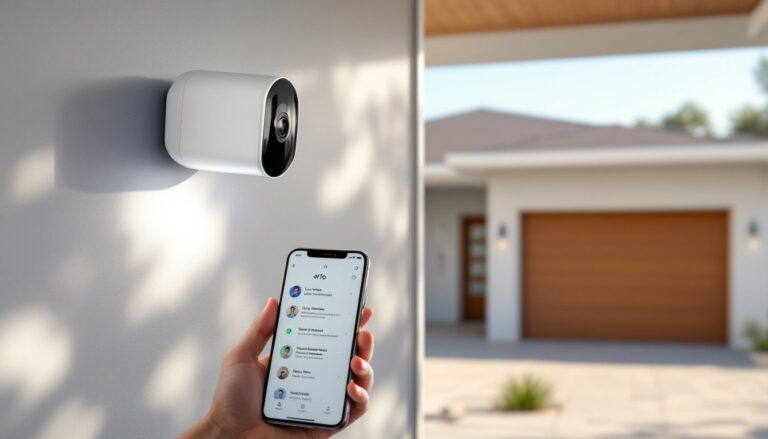
That dusty security camera sitting in a drawer isn’t just e-waste, it’s a functional piece of hardware that can still earn its keep around the house. Whether it’s an analog system replaced by IP cameras or a first-gen smart cam that lost Wi-Fi support, old security cameras often retain enough capability for second-life applications. Before tossing it in the recycling bin, homeowners should evaluate whether that camera can be repurposed, integrated into a hybrid system, or disposed of in a way that protects both personal data and the environment. This guide walks through the practical options for dealing with outdated surveillance gear.
Table of Contents
ToggleKey Takeaways
- An old security camera can be repurposed as a baby monitor, pet cam, or home automation device instead of being discarded, providing practical value with minimal setup costs.
- Legacy cameras with local network recording capabilities avoid cloud dependency and appeal to privacy-conscious users seeking sustainable alternatives to modern smart devices.
- Upgrade an old security camera if resolution falls below 720p or the manufacturer has discontinued support, as unpatched vulnerabilities pose security risks to your network.
- Before disposing of an old security camera, perform a factory reset and physically remove or destroy storage devices to protect personal data and prevent unauthorized access.
- E-waste recycling programs, retail drop-off locations like Best Buy, and nonprofit donations provide environmentally responsible disposal options for non-functional surveillance gear.
- Hobbyists can integrate old cameras into home automation platforms like Home Assistant or Frigate NVR for advanced features like motion-triggered smart lights without monthly subscription fees.
Why Your Old Security Camera Still Has Value
An old security camera may lack cloud storage, advanced motion detection, or smartphone alerts, but the core function, capturing video, often remains intact. Analog cameras from the early 2000s can still record to a DVR, and many first-generation IP cameras work fine on local networks even if the manufacturer discontinued cloud support.
Functional components like image sensors, infrared LEDs, and motorized pan-tilt mechanisms don’t degrade with age if the unit was stored properly. A camera that was operational when removed from service will typically power on and deliver usable footage, assuming the lens isn’t scratched and the circuit board hasn’t corroded.
Homeowners who already own power supplies, coaxial cable, or Ethernet infrastructure can integrate older cameras into existing setups without additional wiring costs. A BNC-to-HDMI converter or a network video recorder (NVR) that supports legacy protocols can bridge compatibility gaps.
From a sustainability standpoint, electronics recycling programs often struggle with the volume of discarded cameras. Extending the useful life of a camera reduces landfill waste and delays the environmental cost of manufacturing a replacement. Plus, older cameras lack the telemetry and data-sharing features of modern smart devices, which appeals to privacy-conscious users who prefer local-only recording.
Creative Ways to Repurpose Your Old Security Camera
Turn It Into a Baby Monitor or Pet Cam
An old IP camera or wireless webcam-style security camera can become a dedicated baby monitor or pet cam with minimal setup. Most legacy cameras output video over a local network, which means they can stream to a laptop, tablet, or even a spare smartphone running VLC Media Player or a generic RTSP viewer app.
For analog cameras, a capture card or USB video adapter ($15–$30) converts the coaxial output to a digital signal viewable on a PC. This setup works particularly well in a nursery or garage workshop where a parent wants eyes on a sleeping infant or a pet left alone for a few hours.
Safety note: Always secure camera feeds with a password and disable remote access unless absolutely necessary. Default credentials on older cameras are widely known and easily exploited.
The advantage over a purpose-built baby monitor is flexibility. Homeowners can position the camera wherever existing mounts or power outlets allow, and there’s no subscription fee for cloud storage. For pet monitoring, an old camera pointed at a crate or backyard provides reassurance without the recurring cost of a smart home device.
Use It for DIY Home Automation Projects
Tinkerers and hobbyists can integrate old cameras into broader home automation projects using platforms like Home Assistant, Blue Iris, or Frigate NVR. These open-source or low-cost systems support a wide range of camera protocols, including ONVIF, RTSP, and even outdated proprietary formats with the right plugins.
An old camera mounted at a driveway entrance can trigger smart lights when motion is detected, or send a snapshot to a home server when a package is delivered. Home automation enthusiasts often repurpose legacy cameras as part of multi-sensor setups, pairing video feeds with door sensors, temperature monitors, and Z-Wave relays.
For advanced users, single-board computers like the Raspberry Pi 4 can turn an old camera into a standalone security appliance with local object detection (person, vehicle, animal) using lightweight AI models. This requires some Linux command-line comfort, but the result is a capable system with no monthly fees.
Tool alternatives: If a Raspberry Pi is overkill, a spare Windows PC running iSpy or ZoneMinder can aggregate feeds from multiple old cameras and provide rudimentary motion alerts.
When to Upgrade vs. Keep Your Old Security Camera
Not every old camera deserves a second life. Deciding whether to upgrade or repurpose depends on resolution, reliability, and compatibility with modern recording methods.
Resolution threshold: Cameras recording below 720p (1280×720) produce grainy footage that’s often useless for identifying faces or license plates beyond 10–15 feet. If the primary goal is security rather than novelty, upgrading to a 1080p or 4K camera provides a meaningful improvement. Current mid-range cameras start around $40–$60 and offer vastly superior image quality.
Connectivity and support: If the manufacturer has shut down cloud servers or stopped issuing firmware updates, the camera may have unpatched security vulnerabilities. Keeping an internet-connected camera with known exploits on a home network is a risk. In these cases, either isolate the camera on a VLAN (virtual local area network) or replace it entirely.
Power and mounting compatibility: Older cameras may use proprietary power adapters that are difficult to replace if lost. If the existing mounting hardware is standard (e.g., 1/4-20 tripod threads or universal brackets), swapping in a new camera is straightforward. If the old camera uses a custom mount, factor in the cost and effort of new brackets.
When to upgrade: If the camera is part of a critical security zone (front door, garage, rear entry), invest in a current model with features like two-way audio, AI-based person detection, and 24/7 recording. For secondary locations (shed, workshop, backyard corner), an old camera is often good enough.
When to keep it: If the camera works reliably on a local network, doesn’t require cloud access, and covers a low-priority area, there’s no compelling reason to replace it. Pair it with a modern NVR or a hybrid system that accepts both old and new cameras.
How to Safely Dispose of or Recycle Your Old Security Camera
When a camera is truly obsolete, broken sensor, cracked housing, or irreparable connectivity issues, proper disposal protects both personal data and the environment.
Data security first: Before discarding any camera, perform a factory reset if the device still powers on. This clears stored Wi-Fi credentials, account information, and any cached video clips. For cameras with removable SD cards or internal storage, physically remove and destroy the card or overwrite it using disk-wipe software.
If the camera was part of a cloud service, log into the account and deregister the device to prevent the next owner (or a dumpster diver) from accessing historical footage or account details.
E-waste recycling programs: Many municipalities offer free electronics recycling through drop-off events or permanent collection sites. Retailers like Best Buy and Staples accept small electronics for recycling, though policies vary by location. Check local regulations, some jurisdictions classify cameras as universal waste due to circuit boards containing trace amounts of lead or other regulated materials.
Donation and resale: If the camera is functional but outdated, consider donating it to a school, community center, or nonprofit that might use it for non-critical monitoring. Online marketplaces and local buy-sell-trade groups often have buyers interested in legacy hardware for hobby projects.
Component harvesting: DIYers comfortable with a soldering iron can salvage useful parts like infrared LEDs, power regulators, and image sensors for other electronics projects. This is a niche activity, but it extends the utility of components that would otherwise end up in a landfill.
Safety reminder: Wear safety glasses when disassembling cameras, especially if prying apart glued housings or cutting through circuit boards. Some older units contain small lithium batteries that can short-circuit if punctured.
Conclusion
An old security camera doesn’t have to gather dust or go straight to the recycling center. Whether it’s monitoring a workshop, feeding a home automation system, or serving as a budget baby cam, outdated hardware can still deliver value with a bit of creativity. For cameras that are truly past their prime, responsible disposal protects privacy and keeps hazardous materials out of landfills. The right choice depends on the camera’s condition, the homeowner’s technical comfort, and whether the location demands modern features or tolerates legacy performance.